
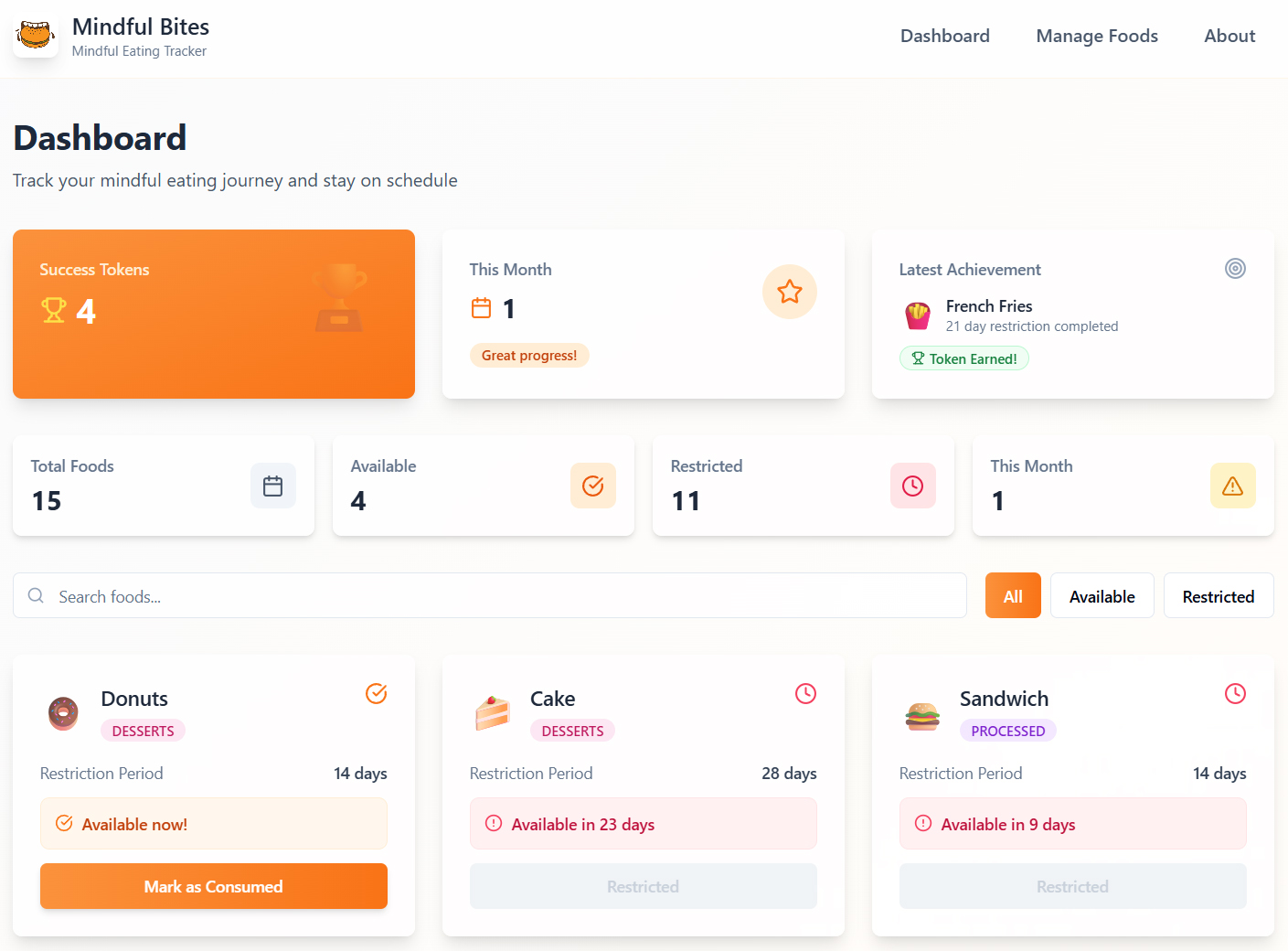
I had an idea a few years ago for an app that would help me track unhealthy foods that I consumed. There are a lot of food trackers and calorie counters out there, but I didn’t see anything like this. I just wanted a way to still have the things I enjoy, but just space them out and track them. Like for example you love pizza, but let’s say you only want to have it once a month, or whatever timing you decide. This app will help you track that timing and let you know when you can eat the food again. I want to help myself and others be disciplined and healthier, while still enjoying the things you love! That is Mindful Bites! A login is required for your own personal dashboard and food tracking. How much does it cost? I am charging $1 for access to the app, forever. It will be updated if needed along the way, and please let us know if you have any suggestions or issues!
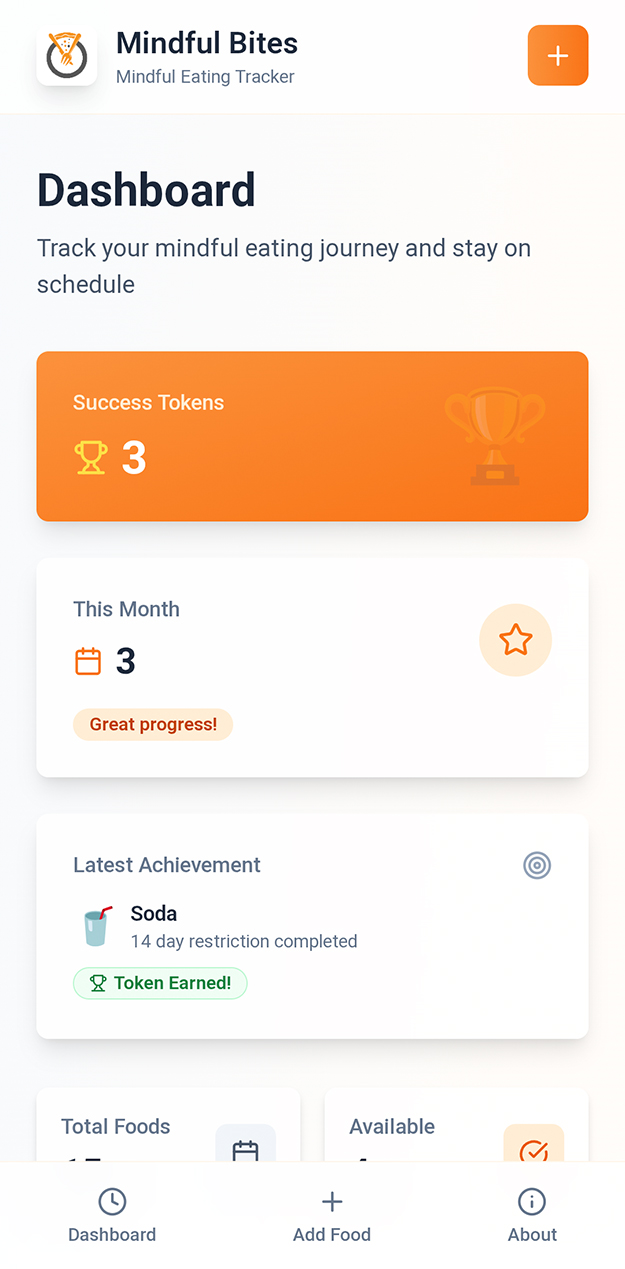
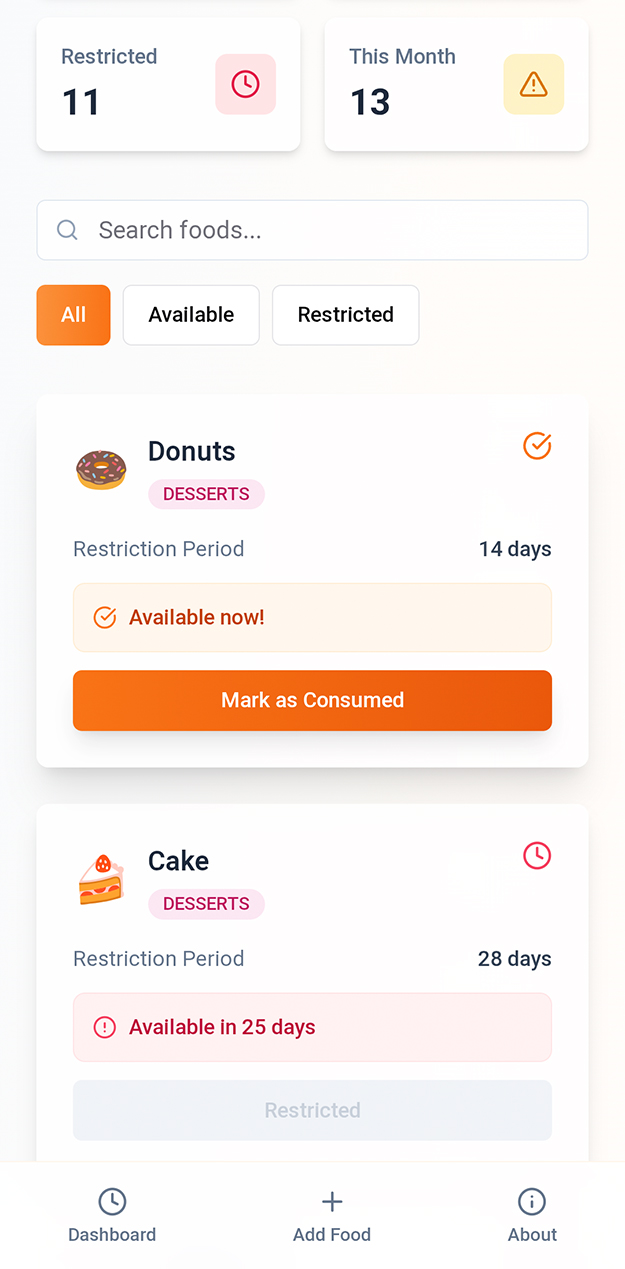
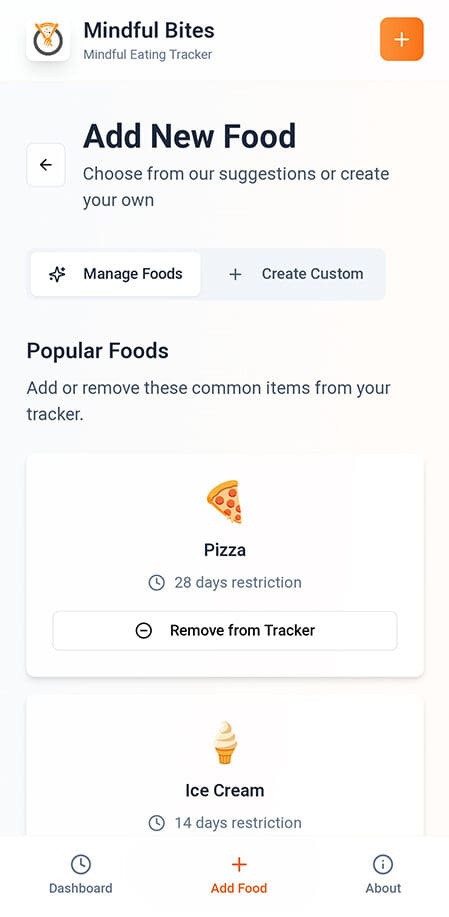
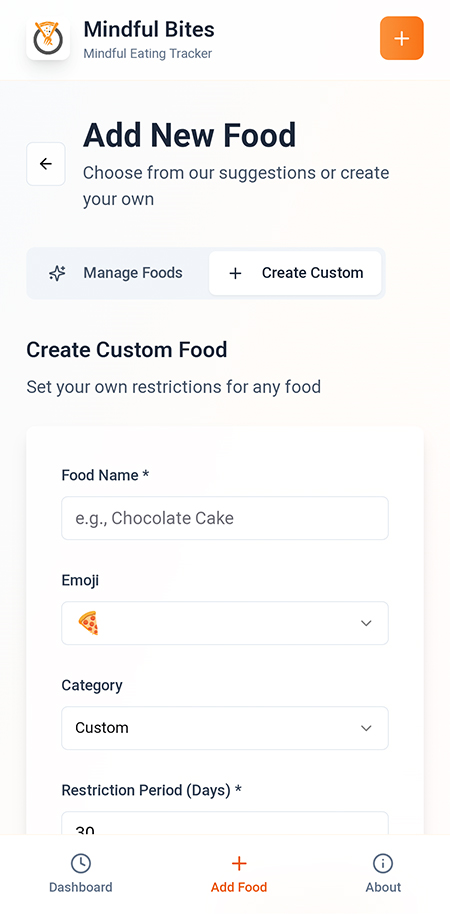

Check out our web app with the link below. You can use the app right in your browser, or you can install the app on your phone or device like it’s a normal app.
Google Chrome – Android/PC


Apple
Adding a web app to an Apple device, whether an iPhone, iPad, or Mac, involves creating a shortcut to a website that behaves like a native application.
For iPhone and iPad (iOS/iPadOS):
- Open Safari or Chrome: and navigate to the desired website.
- Tap the Share icon: (a square with an arrow pointing upwards) in the browser’s toolbar.
- Scroll down the share sheet: and select “Add to Home Screen.”
- Edit the name: of the web app if desired, then tap “Add.”
- The web app icon will appear on your Home Screen, and tapping it will open the website, potentially in a full-screen, app-like view if the website supports Progressive Web App (PWA) features.
For Mac (macOS Sonoma and later):
- Open Safari: and navigate to the desired webpage.
- From the menu bar, choose File > Add to Dock, or click the Share button in the toolbar and select “Add to Dock.”
- Type the name: you want to use for the web app, and adjust the URL or icon if needed.
- Click “Add.”
- The web app is saved to the Applications folder and can be launched from the Dock, Launchpad, or Spotlight. These web apps function like standalone browsers dedicated to that specific website, without Safari’s usual interface elements like the address bar or tabs.